
Process automation with local AI
A local AI model takes over repetitive work with documents, email and tickets: it extracts data, assigns categories, and drafts replies and summaries. It runs on a server on your network, so the content of documents and messages does not go to a cloud AI provider. An employee approves every action that saves or sends something. We start with a pilot of one process and measure the result.
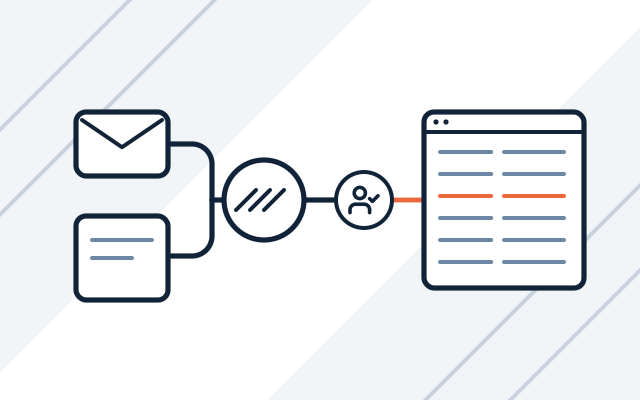
Work the model can take over
-

Orders and delivery notes retyped into the system
Every day someone copies items from orders, goods issue notes and consignment notes into the ERP system. The model reads the fields, and staff check the result instead of retyping it.
-

A shared mailbox sorted by hand
Orders, complaints and invoices all arrive at one address. The model gives each message a category, extracts the data and prepares a draft reply.
-

Tickets with no category or priority
The IT department or customer service starts the day by sorting tickets. The model assigns a category and a priority and suggests a solution from the knowledge base.
-

Process content cannot go to the cloud
Orders, contracts and client correspondence contain data the company does not pass to external AI services. A local model processes it on your network.
Where to start with AI automation
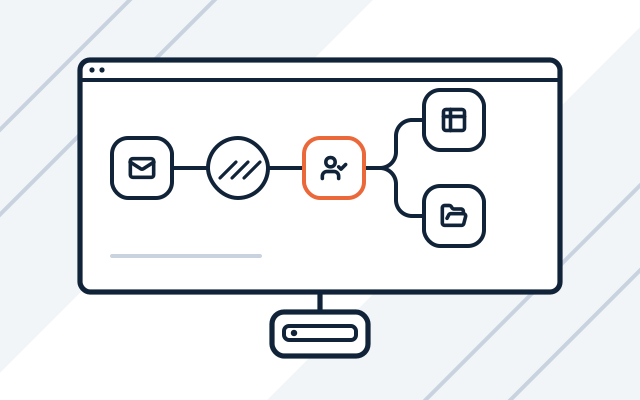
For the first process we choose one that repeats every day, takes up a lot of the team’s time and has a result that is easy to check. Taking orders from email is a good example. A message with an attachment arrives in the mailbox, the model reads the line items, checks them against your product records and prepares an order that an employee approves with one click. In the pilot, the team and the model handle the same process side by side, and we compare the results and the time taken.
Automation does not replace decisions about people, money or health. In processes like these, the model prepares a proposal and a person makes the decision.
Why automate with a local model
- Orders, contracts, correspondence and tickets do not go to a cloud AI provider, which makes it easier to meet the requirements of confidentiality agreements and the GDPR.
- The cost does not grow with every document processed or with the number of users.
- The model and the workflows run on the company network, even when the internet connection is down.
- You decide which model version to use and when to change it, so a working process does not change without your knowledge.
- We build the workflows around your company’s processes and systems, not around an off-the-shelf product.
How the model reads data from ERP, CRM and document management systems and saves results back to them is described on our local AI integration with ERP and CRM page. Saving data to these systems is a software integration project. Conetso Software runs it as part of its system integration services, and describes AI features in applications on its AI integration for business applications page. Conetso Software is the software development team of Conetso Group, based in Lublin, Poland.
You can test automation of one process in preview mode in the free AI workstation trial. We run the model and the workflows on an AI workstation or a GPU server, sized to the number of processes and documents. Other uses are described on our local AI for business page.
What we do
- Choosing, together with you, the process where manual work takes the most time, and describing its steps
- Deciding which steps the model performs, which an employee approves and which AI does not touch
- Installation of a language model and a workflow automation tool, such as n8n, on a server on your network
- Connection of the workflow to a mailbox, network folders, a ticketing system or a spreadsheet
- Automation accounts with only the permissions the process needs, with logging turned on
- Measurement in the pilot: quality of the results and working time before and after automation
- Further processes after the pilot, and ongoing care of the workflows
Who it is for
- Your staff retype data from documents into the ERP system or a spreadsheet
- Your shared mailbox receives many messages a day that someone has to sort
- Your IT department or customer service sorts tickets by hand
- Your documents and correspondence must not go to cloud AI services
What can be automated
Automation works best for processes that repeat every day, have a clear result and today require someone to read text: a document, a message or a ticket. In these processes a language model does work that cannot be described with simple rules.
- Document flow: reading orders, goods issue notes (WZ), CMR consignment notes and invoices from outside KSeF, Poland's National e-Invoicing System, checking them against the order and preparing the data for the ERP system
- Email: message category, data extraction, forwarding to the right department and a draft reply
- Tickets: category, priority and a suggested solution from the knowledge base
- Reports and summaries: a weekly overview of tickets or a summary of the correspondence on one case
- Multi-step tasks: an AI agent gathers data from several sources and prepares a result for approval
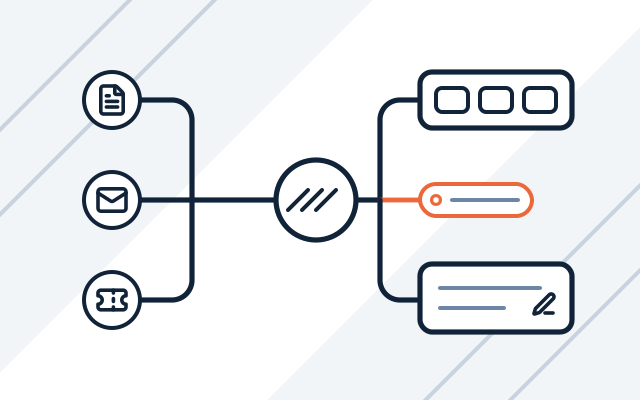
The model prepares, an employee approves
A language model can make mistakes, so we design the automation to make any error visible before anything goes further. The model prepares the data, the category or the draft, and an employee approves, corrects or rejects it. We also check the result against rules, for example whether the order number exists in the system. Fields the model was not sure about are flagged for review.
- Saving to a system and sending to a customer only after approval
- Uncertain fields and messages flagged for review
- Employees' corrections used to improve the model's instructions
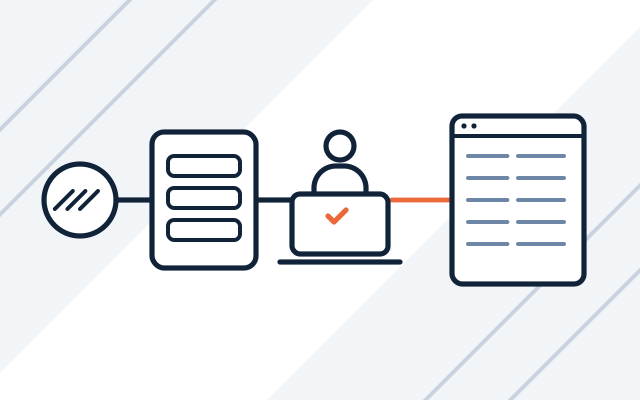
AI agents with limited permissions
An AI agent is a model that carries out the steps of a task on its own: it searches for information, checks data in a system and prepares a document or a record. It is the newest automation technique and the most prone to errors, for example to instructions hidden in a message from an outside sender. That is why an agent only gets the permissions the task needs, read-only wherever possible, and an employee approves every change in a system. We log every step the agent takes.
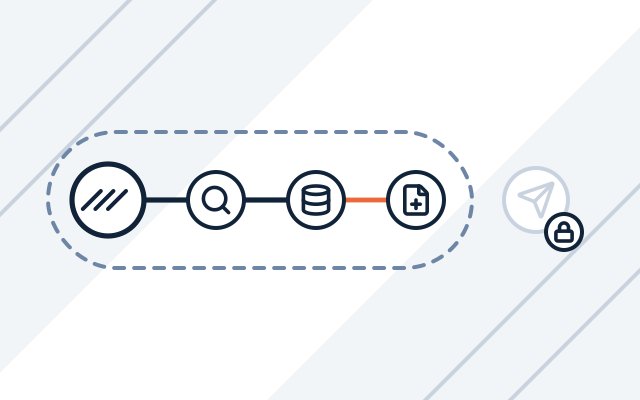
n8n workflows on your company's server
We build the automation steps in n8n, a workflow tool that connects mailboxes, folders, spreadsheets and systems to a language model. In line with the n8n licence, we install it on your server, and we deploy and look after the workflows. We do not offer n8n as a service of our own. When a process needs logic that a workflow cannot handle, or its own interface for staff, Conetso Software builds a custom application.
How we work
-

Process analysis
Together we describe the steps of the process, the documents, the systems and the people involved, and choose the process for the pilot.
-

Pilot of one process
We run the automation on a sample of real documents or messages, in preview mode, without saving anything to your systems.
-

Measurement
We compare the model's results with your team's work and check how many fields and categories were correct and how long the process takes.
-

Deployment
We turn on saving to your systems with employee approval and set up permissions, logs and error notifications.
-

Further processes and support
Under the contract, we add further processes, update the models and keep the workflows running.
Pricing
We quote the pilot and the deployment individually, after analysing the process. You can test document reading and automation of one process in preview mode in the free trial.
- Process automation with local AI
- Price depends on: number of process steps, type of documents and messages, systems to connect, saving or preview only, hardware.
Experience
- Today we deploy the company document assistant at client sites, on hardware on their own networks. We start process automation with a local model at every client with a pilot of one process.
- Conetso Software, the software development team of Conetso Group, built automated contract checking with a language model for a client, connected to the client's document management system. That project runs in the cloud.
- In our own company we automate processes by integrating systems. A new deal in the CRM starts client onboarding, and data from the invoicing system goes into the CRM without retyping.
Frequently asked questions
Can the model send replies to customers on its own?
Not by default. The model prepares a draft, and an employee sends it after checking. A message from an outside sender may contain errors or instructions that mislead the model, so a person has the final say.
What is an AI agent?
A language model that carries out the steps of a task on its own, for example searching for data in several places and preparing a summary. The agent only has the permissions the task needs, and an employee approves changes in systems.
Do I need n8n for automation?
Not always. n8n works well when a process connects email, folders, spreadsheets and systems that have ready-made interfaces. When you need logic tailored to your company or your own interface for staff, Conetso Software builds a custom application.
What happens when the model makes a mistake?
The error stops at the approval stage: an employee corrects the data or the category before it goes into the system. We record the corrections and use them to improve the model's instructions.
Can I test automation before buying hardware?
Yes, within limits. In the free AI workstation trial you can test automation of one process in preview mode, for example reading orders from a sample of documents or categorising messages from a test mailbox. Connecting to the ERP system and other company systems needs a separate pilot.
How much does process automation cost?
It depends on the number of steps in the process, the type of documents and the systems we need to connect to. We give you a quote after analysing the process, and we size the hardware to the number of processes and documents.
See also
-
Local AI integration with your business systems
An AI model on your network connected to ERP, CRM, document management and the helpdesk, with the permissions from those systems. Custom applications from Conetso Software.
-
Free AI workstation trial at your company
An AI workstation on your network for up to 2 weeks, free of charge and with no obligation to buy. After the trial, a report with the results and a hardware recommendation.
-
Local AI and the GDPR, AI Act and NIS2
What local AI makes easier under the GDPR, the AI Act, KSC and DORA, what it does not solve on its own and how we secure the deployment: permissions, logs, models, updates.
-
AI workstations built on NVIDIA GB10 for your team
Dell Pro Precision with GB10, Lenovo ThinkStation PGX and HP ZGX Nano: 128 GB of memory for the model, delivery, configuration and an assistant for your company documents.
-
GPU servers for local AI
Dell, Lenovo and HPE servers with GPUs for companies where many people use an AI assistant at the same time. Selection, installation, deployment and maintenance.
-
Conetso Software
System integration and process automation
The Conetso Software team builds integrations using APIs and webhooks.
-
Conetso Software
AI integration in a business application
Conetso Software can build an application with an AI model connected to your systems.
From our blog

Language model vs AI chat: how ChatGPT differs
ChatGPT is an application, and the language model is the engine inside it. We explain the difference and which models a company can run in-house.