
Business computers with workstation setup
We choose and supply business computers: Dell, Lenovo and HP laptops, desktops and workstations, plus monitors and printers. Each employee gets a computer that is ready to use, with the system, software, account, data and security set up.
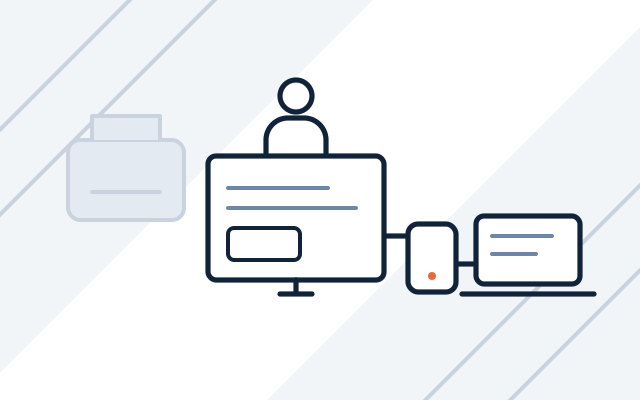
Typical reasons to replace computers
-

Computers cannot move to Windows 11
Windows 10 no longer gets free security updates, and some computers do not meet the Windows 11 requirements. We help you decide what to upgrade and what to replace.
-

New starters spend their first day hunting for software
The first hours are spent on installations, the printer and passwords. The computer arrives with the system, software and account ready before the employee's first day.
-

Every computer comes from a different shop
A laptop with Windows Home cannot join a domain or Microsoft Entra ID, so it is hard to manage. Business-class computers with Windows Pro solve this.
-

Design software runs too slowly
Graphics, CAD and data processing need more power than office work. Workstations are matched to the software your team uses.
Every computer is set up to one standard for the whole company.
Microsoft 365 and other software licences are covered on our business software page, and ongoing support for workstations as part of our managed IT services.
What we do
- Computers matched to the type of work: office, design, production, field work
- Laptops, desktops and workstations
- Monitors, docking stations, printers and multifunction devices
- System and software installation, email and Microsoft 365 configuration
- Data and settings moved from the old computer
- Computers joined to the domain or managed in Microsoft Intune
- Disk encryption and antivirus protection
- Collection of old hardware and data wiping with written confirmation
- Warranty repairs handled with the manufacturer on your behalf
Who it is for
- You are hiring and want new employees' computers ready before they start
- Your team works hybrid and needs laptops with docking stations and monitors in the office
A computer ready before the employee arrives
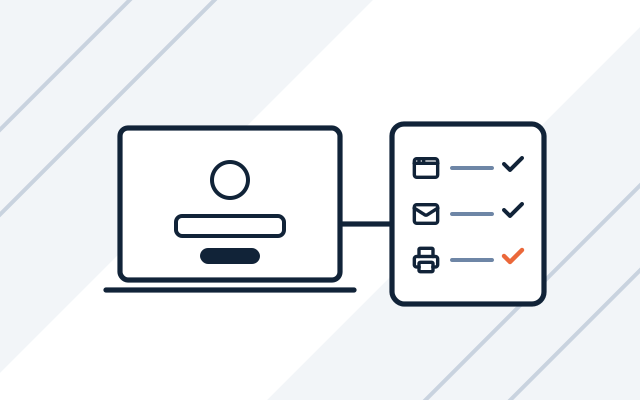
We install the system, drivers and software, enrol it in your device management (domain or Intune) and set up email and printers. After signing in, the employee has their data, software and access to network folders.
- System, drivers and software
- Email, printers and network folders
- Data moved from the old computer
Business computers you can manage
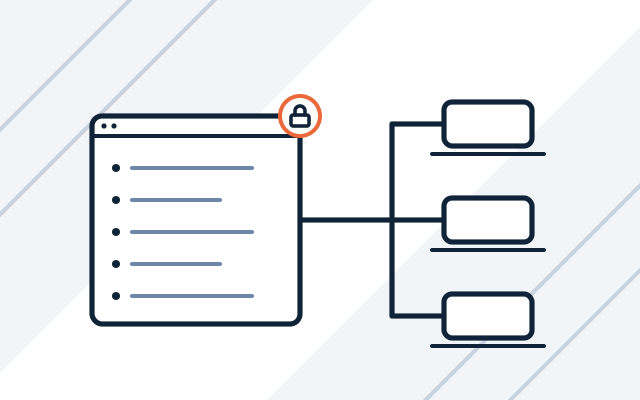
We propose business-class computers with Windows Pro. You can join them to a domain or to Microsoft Entra ID and manage security policies, updates and disk encryption centrally, for example in Microsoft Intune.
- Windows Pro instead of Home
- Management in a domain or in Intune
- Disk encryption and updates
Computer replacement in stages
We list the computers in your company and check which ones meet the Windows 11 requirements. We split them into those to upgrade and those to replace, and plan the replacement in stages to spread the cost.
- List of workstations and their users
- Windows 11 compatibility check
- Replacement plan for the coming months

How we work
-

Workstation review
We ask what the computers are used for and which software your staff use. We check how the current workstations are managed.
-

Proposal and quote
We propose business-class models and a warranty option. Hardware and workstation setup are quoted separately.
-

Deployment
We install the system and software, enrol them in your device management (domain or Intune) and move data from the old hardware.
-

Handover and documentation
We hand over ready workstations and check with employees that nothing is missing. We collect the old computers and wipe their data.
Pricing
Hardware is priced at the manufacturers' current prices.
- Workstation setup
- Price depends on: user data migration, software, joining the domain or Intune.
- Computers, monitors and printers
- Price depends on: model and configuration, warranty length and type, quantity.
Experience and partners
- For a small company, we deployed computers and printers together with workstation setup.
- Our partners include Dell Technologies, Lenovo and HP, and Brother for printers.
-
 Dell Technologies Authorized Partner
-
 Lenovo 360 Authorized 2026
-
 HP Business Partner
-

Frequently asked questions
How is a business computer different from a consumer one?
A business computer usually has Windows Pro, a longer and better warranty (often with on-site repair), longer parts availability and remote management tools. After a year or two of use, these differences matter more than the difference in price.
Will you move data from the old computer?
Yes. We move files, email, settings and the software you need, then check with the employee that nothing is missing.
What about computers that do not meet the Windows 11 requirements?
We check which computers can be upgraded and which need replacing, and plan the replacement in stages. Computers that must stay on Windows 10 for now can be covered by paid Extended Security Updates (ESU), until 10 October 2028 at the latest.
Can we manage computers without a server in the office?
Yes. We join computers with Windows Pro to Microsoft Entra ID and manage them in Microsoft Intune, without a local domain server. This requires the right Microsoft 365 licences, which we choose together with the hardware.
Do you also supply printers and multifunction devices?
Yes. We supply and configure printers and multifunction devices, including Brother, and connect them to your company network.
What do you do with old hardware?
We collect it, wipe the data and confirm the wipe in writing.
See also
-
Business software: Microsoft 365 implementation and licences
Microsoft 365 licences and implementation, backups, virtualisation, antivirus, and ERP and CAD software.
-
Grant-funded IT projects
Delivery, configuration and as-built documentation in IT projects financed from EU and national funds.
-
Microsoft licensing audit and Microsoft 365 management
Licence register, renewals, updates, Microsoft 365 administration and Microsoft licensing audits.
-
Managed IT services for businesses
Maintenance of servers, networks, backups and licences, plus monitoring. We take over all of your IT or selected areas.
From our blog

Windows 10 end of support and ESU: next steps for businesses
The first year of paid ESU updates for Windows 10 ends on 13 October 2026. We explain ESU costs, Windows 11 requirements and how we plan replacements.