
Business software: Microsoft 365 implementation and licences
We handle Microsoft 365 implementation and choose, sell and deploy other business software: backups, virtualisation, antivirus, and ERP and CAD licences. Microsoft 365 implementation costs from PLN 200 per user excl. VAT, and backup and virtualisation deployments are quoted individually.
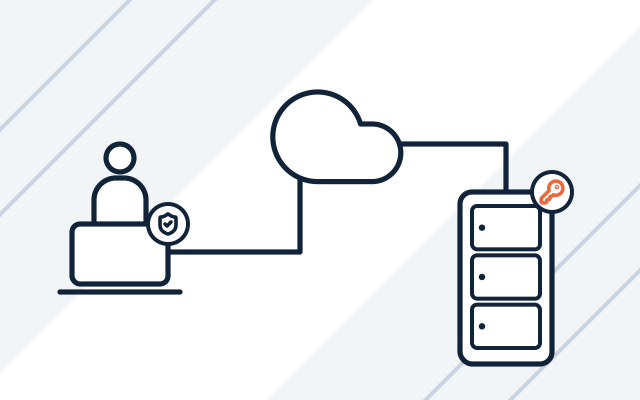
Where software gets in the way
-

Hosted email is no longer enough
Mailboxes are full, and calendars and files are scattered. Moving email and files to Microsoft 365 brings them together.
-

The backup is a USB drive next to the server
That copy is lost along with the server in a power surge, theft or ransomware attack. Backups belong away from the server, and if your circumstances allow it, one copy also goes off site.
-

Several old servers in one rack
Each has a different system and a warranty about to expire. With virtualisation, one new server replaces several old ones, and backing up whole systems becomes simpler.
-

Licences bought for more than you need
Everyone has the most expensive Microsoft 365 plan, although some people only need email and browser apps.
Buying and deploying versus ongoing management
This page covers buying and deploying software: new licences, migration to Microsoft 365 and backups. If you already have software and need ongoing control of licences, renewals and updates, or want to check whether you are overpaying for Microsoft 365, see licensing and Microsoft 365.
We usually deploy backups and virtualisation together with a new server and storage array. When you implement Microsoft 365, it is a good time to configure its security as well. We describe this on our Microsoft 365 security page.
Backups with Veeam
We set up backups mainly with Veeam. As a Veeam partner, we supply licences through the official channel, with the manufacturer’s support. One tool backs up virtual machines (Proxmox Virtual Environment, VMware, Hyper-V), physical servers and computers, and all backup jobs are visible in a single console.
From a Veeam backup you can restore a whole server, a single virtual machine or selected files. A virtual machine can also be started directly from the backup before the full restore finishes.
We also back up Microsoft 365. If your company has suitable infrastructure, we propose Veeam Backup for Microsoft 365, which backs up email, OneDrive, SharePoint and Teams.
When we look after backups as part of our managed IT services, we regularly test that data can be restored from them. The testing frequency depends on your monthly plan, and we agree it with you.
What we do
- Microsoft 365 plan selection and implementation, with email and file migration
- Backups for servers, computers and Microsoft 365
- Server virtualisation, mainly on Proxmox Virtual Environment
- Windows and Windows Server licences
- Antivirus and EDR/XDR (endpoint and extended detection and response) protection
- Licences for ERP, CAD, developer tools and IT management software
- Software installation and configuration on workstations and servers
Who it is for
- You are moving email from your own server or a hosting provider to Microsoft 365
- You have no backups, or they are never tested
- You have several old servers and want to consolidate them onto one with virtualisation
- You are buying a new server and want backups and virtualisation set up on it from the start
- You need software licences and want to buy them together with installation
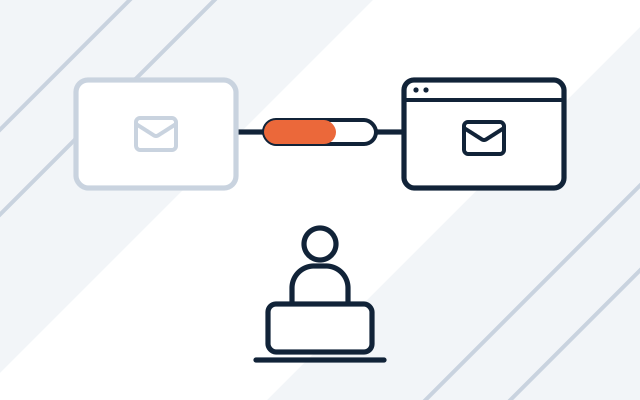
Moving to Microsoft 365 without stopping work
We copy email and files in the background while your staff keep working on the old system. The switchover happens at an agreed time, usually outside business hours. Afterwards, we help set up email on computers and phones.
- Email from hosting, Google Workspace or Exchange
- Files to OneDrive and SharePoint
- Help for staff after the switchover
Backups following the 3-2-1 rule
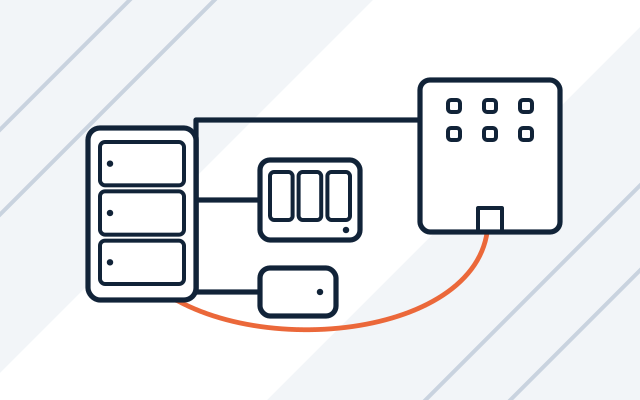
We recommend the 3-2-1 rule: three copies of your data on two different media, one of them off site. The location of the off-site copy depends on what your company can arrange. After deployment, we check that data can be restored from the backup. The documentation describes what is backed up, where and how often.
- Backups of servers and virtual machines
- Off-site copy at a second site or in a private cloud
- Alerts for failed backups
Virtualisation: one server instead of several
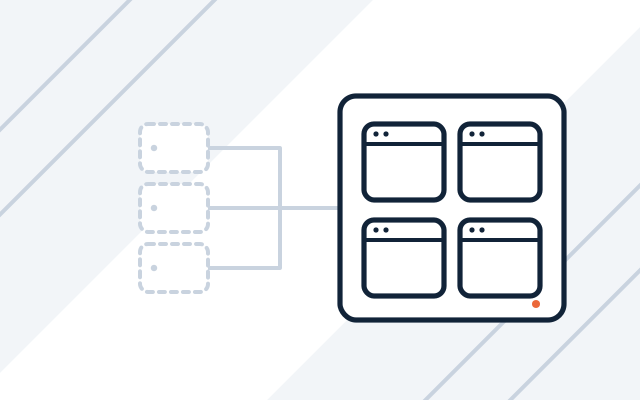
We deploy virtualisation mainly on Proxmox Virtual Environment, as a Proxmox partner. We also work with VMware and Hyper-V. A virtual machine can be copied whole and moved to new hardware without reinstalling the system. We usually deploy virtualisation together with a new server and storage array.
- Services moved from old servers
- Backups of whole virtual machines
- Configuration documentation
How we work
-

Software and data review
We find out who uses the software and for what, how much data there is, where we are moving it from and what must keep running without interruption.
-

Design and quote
We propose plans and licences that match how your team works, without features nobody needs. The quote shows licences separately from deployment work.
-

Deployment
We install and configure the software, migrate the data and set up security. The switchover happens at the agreed time.
-

Handover and documentation
We check that everything works, show your staff what has changed and hand over the configuration documentation.
-

Support after deployment
We can keep managing licences and backups as part of our managed IT services.
Pricing
Licences are priced at the manufacturers' current prices.
| Service | Billing model | Price | What it depends on |
|---|---|---|---|
| Microsoft 365 implementation | fixed price per project | from 200 PLN net / user | email and file migration, number of mailboxes, security configuration |
| Backup and virtualisation deployment | individual quote | individual quote | amount of data, number of servers, off-site backup |
| Software licences (ERP, CAD, operating systems, antivirus) | licence | individual quote | vendor, number of users or workstations, licence term |
Experience and partners
- For a small company, we implemented Microsoft 365, including email and file migration.
- For an accounting firm, we deployed centralised backups.
- We set up backups with Veeam and on Synology and QNAP devices. We are a partner of these manufacturers.
- Microsoft Partner
-
-
-

Frequently asked questions
How much does Microsoft 365 implementation cost?
From PLN 200 per user excl. VAT. The price depends on how many mailboxes and how much data we move, where the email and files are coming from and how extensive the security configuration is. Microsoft licences are charged separately.
How much does a backup deployment cost?
We quote for backup deployments individually, after a conversation about your infrastructure. The price depends on the amount of data, the number of servers and whether the backup also has to go off site. Software and storage media are charged separately.
When moving from hosting, will you also move contacts and calendars?
Yes, as a separate step. Migrating email from hosting (IMAP) moves only messages, so we move contacts and calendars on their own or prepare export instructions for your staff. From an on-premises Exchange server they move along with the email, and from Google Workspace it depends on the configuration.
Does file sync with the cloud replace a backup?
No. A file that is deleted or encrypted is also deleted or encrypted in the cloud. The recycle bin and version history only help for a limited time. A backup is a separate copy of your data from a specific point in time, from which you can restore the state before the failure.
Do you sell ERP and CAD licences?
Yes. We supply the licences and install the software on workstations and servers. Configuring the ERP system itself to fit your processes is usually done by its vendor or an implementation partner, while we prepare the infrastructure.
We need software that does not exist on the market. Can you help?
Yes. Custom software is built by Conetso Software, our brand that designs web applications and systems around your business processes.
See also
-
Microsoft licensing audit and Microsoft 365 management
Licence register, renewals, updates, Microsoft 365 administration and Microsoft licensing audits.
-
IT consulting for businesses buying hardware and software
Hardware and software matched to your needs, requirements instead of model names, and a fair comparison of quotes.
-
Microsoft 365 security for businesses
We review and secure Microsoft 365. We enable MFA and Conditional Access, protect email and deploy Intune and Defender.
-
Servers for businesses
We select, supply and configure servers with virtualisation and backups, and migrate services from old hardware.
-
Conetso Software
Custom software development
A web application built around your processes when off-the-shelf software is not enough.
From our blog

Microsoft 365 rollout plan for a company: steps and cost
A Microsoft 365 rollout plan for a company covers the choice of plan, email and file migration and security. We also explain timelines and cost factors.