
Storage arrays and NAS servers for businesses
We choose and deploy storage arrays and NAS servers for businesses. We plan capacity, disk protection and replication, and then migrate your data. For tighter budgets, you can choose a manufacturer-certified refurbished array.
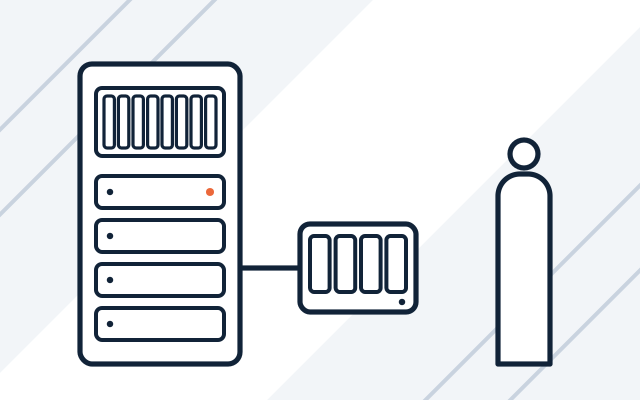
Signs your storage needs attention
-

The server's disks are full
Every few months someone deletes files to free up space. We measure how fast your data grows and choose a device with room to spare for the years ahead.
-

Files sit on staff computers
A laptop failure means losing documents nobody copied. Moving them to a NAS server with permissions and backups fixes that.
-

Two servers, one shared NAS
A virtualisation cluster built on a single NAS server stops when the NAS stops. For virtualisation, the right choice is an array that all the servers use.
-

The backup sits in the same building
A fire or flood in the office destroys the server and the backup together. Replication to a second site and an off-site backup prevent that.
Companies keep documents, projects, software databases and backups on their storage array. We size it with room to spare and protect the data against disk failure. With the backup we deploy alongside the array, you can restore files even after a ransomware attack.
You can deploy the array together with a new server and Veeam backup software, which we describe on our business software page.
What we do
- Analysis of data volume, growth rate and performance requirements
- Choice of array or NAS server, disks and RAID protection level
- New or manufacturer-certified refurbished hardware
- Shares, permissions and quotas
- Connection to servers and virtualisation
- Replication to a second site and backups
- Data migration from old hardware
- Disk health monitoring with failure alerts
Who it is for
- You are deploying virtualisation and need shared storage for your servers
- You are replacing a server and want to separate data from the hardware your software runs on
NAS server or storage array
A NAS server shares files over the network and works well for documents and backups. An array gives servers storage that they see as their own disk, which suits virtual machines and databases. We match the solution to what will run on it.
- NAS for files, scans, projects and backups
- Array for virtual machines and databases
- Sized for the number of servers and the downtime you can accept
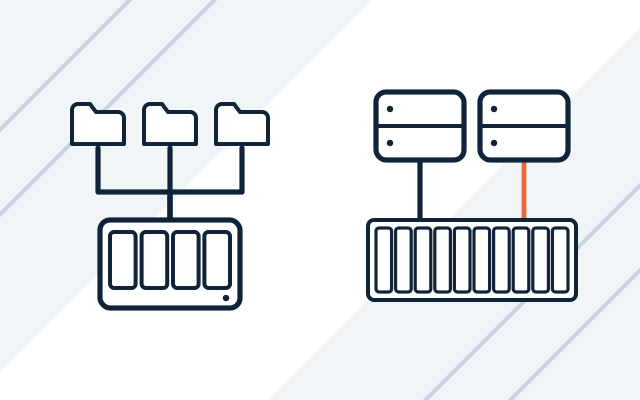
Capacity with room for the years ahead
We measure your current data and its growth over recent years, then add headroom for backups and business growth. We propose an enclosure with free disk bays, so you can expand it without replacing the whole device.
- Data growth analysis
- Free bays for more disks
- Snapshots for quick file restores
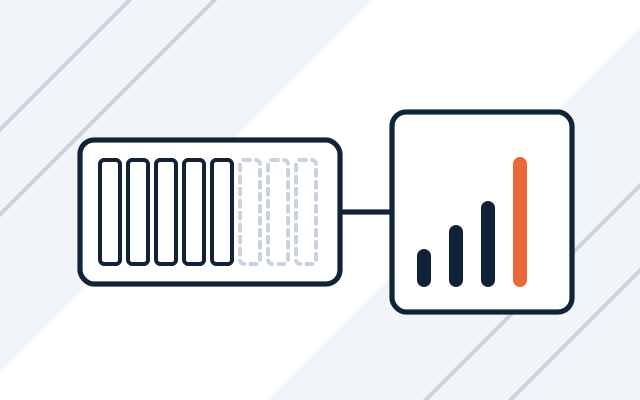
A copy of your data at a second site
Replication copies data to a second device in another building, so a fire or flood in the office does not destroy every copy. Replication also repeats deletions and ransomware encryption, though, so we combine it with a backup that keeps version history.
- Replication to a second office
- Backup with version history
- Off-site backup
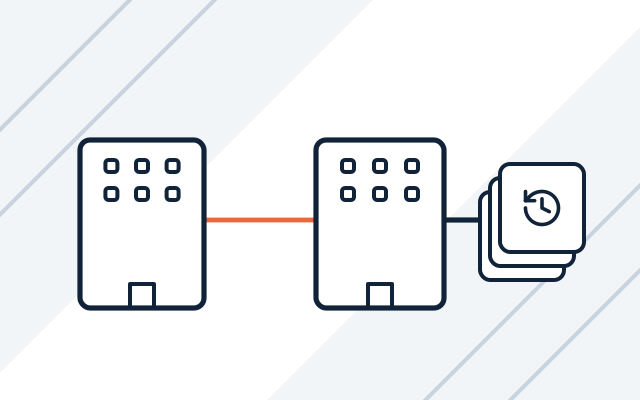
How we work
-

Data review
We check how much data you have, how fast it grows, who uses it and what performance your software needs.
-

Design and quote
We propose an array or NAS with spare capacity, a RAID level and a backup method. Hardware and deployment work are quoted separately.
-

Deployment
We configure the hardware, permissions and server connections, set up replication and backups, and then migrate the data.
-

Handover and documentation
We check permissions, run a test restore from the backup and hand over the configuration documentation.
Pricing
Hardware and disks are priced at the manufacturers' current prices.
- Storage array selection and deployment
- Price depends on: capacity and replication, integration with virtualisation, data migration.
Experience and partners
- At a clinic, we deployed the Asseco mMedica system together with a server and a storage array.
- Our partners include Synology, QNAP, Dell Technologies, HPE and Lenovo, and we are an IBM Silver Business Partner.
-
-

-
 Dell Technologies Authorized Partner
-
-
 Lenovo 360 Authorized 2026
Frequently asked questions
When is a NAS enough, and when do we need an array?
A NAS is enough when your data is mostly files and you have one server or use cloud applications. An array makes sense when two or more servers with virtualisation need shared storage and the failure of one server must not stop your systems.
Does RAID replace a backup?
No. RAID protects against a disk failure, but not against deleted files, ransomware or fire. That is why we always combine an array with a backup.
Can a NAS be used for server backups?
Yes. A common setup is an array or the server's own disks for systems, with a NAS as the backup target. A backup on a NAS in the same building is not enough, so we recommend an additional off-site backup that suits your company's circumstances.
Will you move data from our old file server?
Yes. We move the files with their permissions at an agreed time, and after the migration we check folder access with your users.
See also
-
Servers for businesses
We select, supply and configure servers with virtualisation and backups, and migrate services from old hardware.
-
Business software: Microsoft 365 implementation and licences
Microsoft 365 licences and implementation, backups, virtualisation, antivirus, and ERP and CAD software.
-
Server and network administration for businesses
We maintain, update and document servers, virtualisation, networks, firewalls, VPNs and backups.