
Fortinet FortiGate firewall deployment
We select, deploy and maintain Fortinet FortiGate firewalls. We configure VPNs for staff and branches, segment the network and move rules over from the old device without stopping work. As an authorised Fortinet partner, we supply the devices and subscriptions.
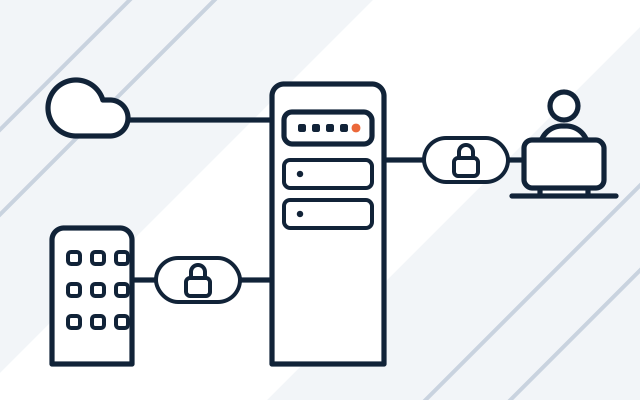
Typical situations before a FortiGate deployment
-

An old firewall without manufacturer support
The device gets no patches, and nobody knows which rules are still needed. Moving the configuration to FortiGate is a chance to clean up the rules.
-

The protection subscription has expired
FortiGate still passes traffic but no longer updates its protection. A renewal only makes sense while the model still has manufacturer support.
-

Remote access through open ports
Staff and suppliers reach the servers through ports opened on the router. A VPN on FortiGate replaces them, with multi-factor authentication where possible.
-

Several offices, each with a different router
Branches need secure access to the servers at head office. Each site gets a FortiGate, connected to head office through a VPN tunnel.
A firewall decides what can enter the company network from the internet and who can reach company resources from outside. FortiGate combines a firewall, VPN and traffic filtering in one device. It works well in a small office and in a company with several branches.
A firewall is one layer of protection. Our cybersecurity services page shows how we combine it with endpoint protection and account security. Building a network from scratch is described on the network design and installation page.
What we do
- FortiGate model matched to the number of users, internet connections and services
- Supply of devices and protection subscriptions
- VPN for remote staff and tunnels between branches
- Network segments for servers, workstations, guests, printers and other devices
- Traffic filtering that protects against intrusions, malware and dangerous websites
- Migration of rules from the old firewall to FortiGate
- Configuration documentation after deployment
- FortiGate software updates and subscription renewal tracking
Who it is for
- Your company relies on the ISP's router or a firewall without updates and support
- Staff connect remotely, or several sites have to communicate securely
- Computers, servers, guests and devices share one network, and you want to separate them
- A client or auditor asks about your firewall configuration, and you have no documentation
Migration from the old firewall with a rollback plan
Before switching traffic, we list everything the old device does: rules, port forwarding, VPN tunnels and public addresses. The FortiGate configuration is prepared and checked in advance. The switchover is planned outside business hours, with a test list and a rollback plan.
- List of rules, port forwarding and VPN tunnels
- Configuration prepared before the switchover
- Service tests and a rollback plan
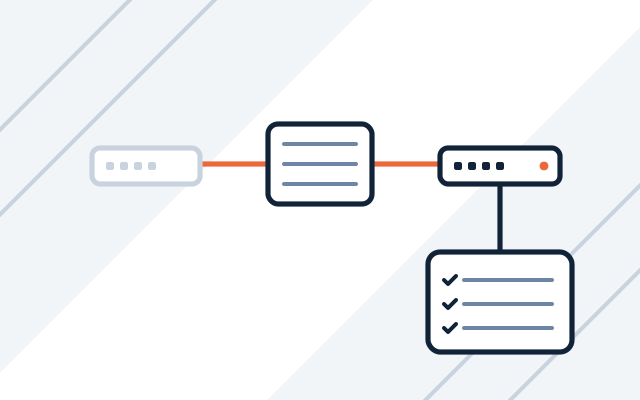
VPN for staff and branches
Remote staff and branches connect to the company through encrypted tunnels on FortiGate. From FortiOS 7.6.3, Fortinet has replaced SSL VPN tunnel mode with IPsec connections, so we set up new staff connections on IPsec.
- IPsec tunnels between sites
- Staff VPN with multi-factor authentication
- Connection instructions for staff
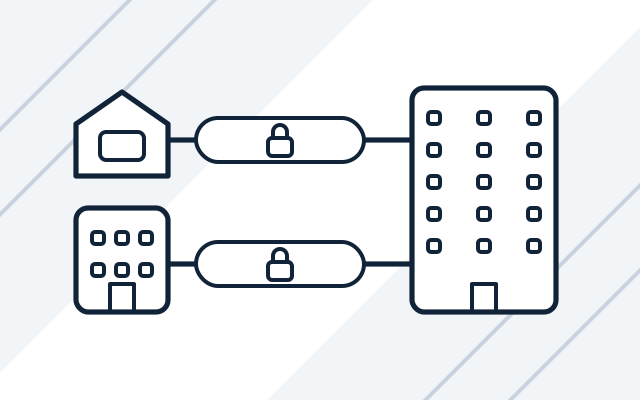
Network segmentation and traffic filtering
In a single flat network, an infected computer can see the servers, printers and cameras. We divide the network into segments and set traffic rules between them, while FortiGate filters traffic from the internet.
- Separate segments for servers, workstations and guests
- Protection against intrusions and malware
- Blocking of dangerous websites
How we work
-

Firewall review
We check your internet connections, number of users, services exposed to the internet, remote access and the rules on your current device.
-

Design and quote
We choose the FortiGate model and subscriptions and design the network segments, VPN and traffic rules. You approve them before purchase.
-

Deployment
We configure the device, move the rules over and switch traffic. Then we test all the important services.
-

Handover and documentation
We hand over the configuration documentation and VPN instructions for staff. Over the following days, we check the logs to make sure the new rules are not blocking traffic you need.
-

Support after deployment
As part of our managed IT services, we update FortiGate software, keep track of subscription renewals and respond to alerts.
Pricing
We quote every project individually, after discussing its scope and requirements.
- FortiGate firewall deployment
- Price depends on: number of sites and VPNs, network segmentation, migration of rules from the old device.
- FortiGate device and subscriptions
- Price depends on: FortiGate model, protection subscription package, licence term.
- Firewall maintenance
- Price depends on: on the monthly plan, the number of hours, response time (SLA) and 24/7 on-call cover; hourly, the actual time worked.
Experience and partners
- As an authorised Fortinet partner, we supply devices and subscriptions through the official channel, with the manufacturer's warranty and support.
- We configure and maintain firewalls as part of the ongoing managed IT services we provide to our clients.
-
 Fortinet Authorized Reseller
Frequently asked questions
How much does a FortiGate deployment cost?
We quote individually. The price depends on the number of sites and VPN tunnels, how many segments the network is divided into, and whether rules have to be moved from an old device. The device and subscriptions are priced separately.
How long will the company be offline when the firewall is replaced?
As long as the switchover and tests take. The configuration is prepared in advance, and traffic is switched in a maintenance window agreed with you, usually outside business hours. During that time, the internet, VPN and externally accessible services are unavailable, so we let staff and partners know beforehand.
Can we still use SSL VPN on FortiGate?
Not in tunnel mode. From FortiOS 7.6.3, Fortinet has replaced it with IPsec connections on all FortiGate models, and tunnel mode configuration does not carry over in an upgrade. Before upgrading, we move the VPN to IPsec and send staff the new configuration.
Can you move the configuration from another vendor's firewall?
Not directly. Each vendor describes objects, address translation and VPNs differently, so we rewrite and check the rules one by one, removing unused rules along the way.
Can you take over maintenance of a FortiGate configured by another company?
Yes. We start by reviewing the configuration and documentation, clean up the rules and only then take over day-to-day maintenance.
See also
-
Cisco network devices for businesses
We design, supply, configure and maintain Cisco switches, routers, firewalls and Wi-Fi.
-
Business network design and installation
We design, build and document networks: cabling, rack cabinets, switches, Wi-Fi and firewalls.
-
Server and network administration for businesses
We maintain, update and document servers, virtualisation, networks, firewalls, VPNs and backups.
From our blog

Bitdefender vs CrowdStrike: protecting computers and servers
Bitdefender vs CrowdStrike: we compare GravityZone and Falcon. We explain when endpoint protection is enough and when a business needs EDR, XDR or MDR.