
Local AI integration with your business systems
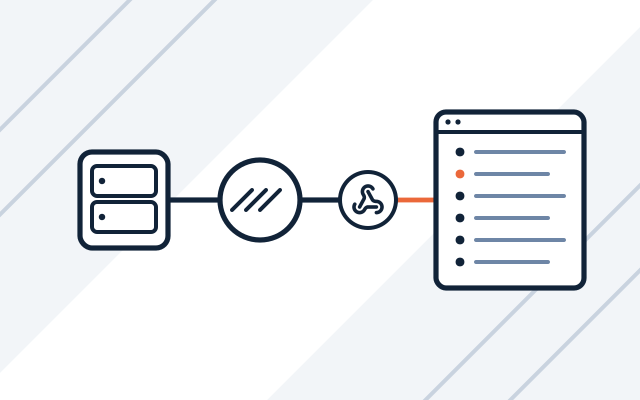
A local AI model is most useful when it works with data from the systems your company already uses: ERP, CRM, document management, SharePoint and the helpdesk. We connect it to them through APIs and connectors, so the assistant answers from current data and automations save their results where people work. The data stays on your network, and the permissions from your systems also apply in AI.
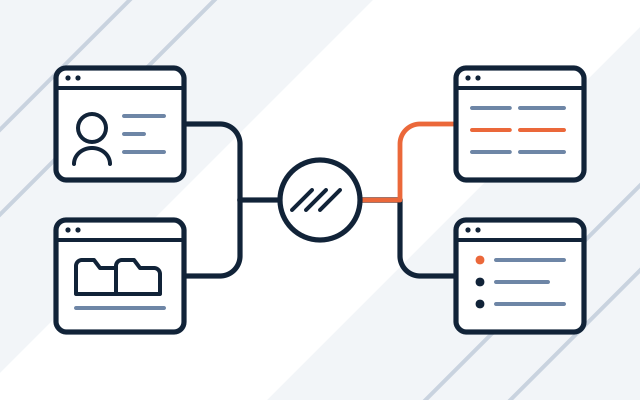
When AI needs data from your systems
-

The assistant does not know your ERP and CRM data
A question about an order status or a customer's history needs data from a system, not from a folder of documents. The assistant retrieves it through the API when the question is asked.
-

Documents are kept in several places
Procedures are in SharePoint, contracts in the document management system and instructions on a network drive. Connectors bring them into one index together with their permissions.
-

Someone retypes the automation's output
The model has read the order, but an employee still enters it into the ERP system. The integration saves the data in the system once the employee approves the result.
-

An application should use AI without the cloud
Your software or industry system needs to summarise, classify or answer questions. It then connects to the model on a server on your network.
Which systems we connect local AI to
- ERP: reading stock levels, orders and product records for the assistant, and saving orders and documents prepared by automation after approval.
- CRM: the customer’s history for a draft reply, and a meeting note saved to the customer record.
- Document management, SharePoint and network drives: documents for the assistant with their permissions, and a category for new letters.
- Helpdesk: ticket category and priority, and a suggested solution from the knowledge base.
- Industry systems, such as warehouse and production systems: reading data for reports and summaries.
We do not publish a list of supported systems, because what is possible depends on the version of the program and the licence for its API. We check this in the documentation before we quote and tell you plainly what cannot be done.
Integration examples for a pilot
These are scenarios we suggest starting with, not descriptions of client deployments.
- Customer service: the assistant answers a question about an order status using data from the ERP system and prepares a draft reply, which an employee sends after checking.
- Manufacturing plant: an order from email is read, checked against the product records in the ERP system and saved as a draft for approval.
- Law firm: the assistant searches case files in the document management system, but only the cases the lawyer has access to.
- IT department: a ticket gets a category and a priority in the helpdesk, and the model attaches similar resolved tickets.
Custom applications
When ready-made connectors and workflows are not enough, Conetso Software builds an application with an AI model. AI features in applications are described on the AI integration for business applications page, and connections through APIs and webhooks on the system integration page. The Savanna One case study shows how the team builds and develops its own system with an open API.
We test the connection to your systems on one process first, and we describe example processes on our process automation with local AI page. You can try document reading and automation in preview mode in the free AI workstation trial. We run the model server on an AI workstation or a GPU server, sized to the number of users and systems. Other uses are described on our local AI for business page.
What we do
- A review of the systems your company uses and whether they offer an API, data export or a ready-made connector
- A model server with an OpenAI-compatible API, running on hardware on your network
- Connection of the assistant to documents from SharePoint, document management and network drives, with their permissions preserved
- Reading data from ERP, CRM and the helpdesk for the assistant and automations
- Saving automation results in your company's systems after an employee approves them
- Service accounts with the minimum permissions needed, and logging of AI operations
- Custom applications and integrations built by Conetso Software
Who it is for
- Your staff look for information in several systems at once
- Your AI assistant should answer from data in the ERP or CRM system
- Your automation should save its result in a system, not in a spreadsheet
- Your application or industry system should use an AI model without sending data to the cloud
An OpenAI-compatible API on your server
The model server we install provides an interface compatible with the OpenAI API. Many programs and libraries support it, so an application that connects to a cloud service today can often be switched to the model on your network by changing the address and the access key. An open model may answer differently from a cloud model, so we check quality on that application's tasks.
- Queries and answers do not go to OpenAI or any other provider
- One model server for the assistant, automations and company applications
- The model can be changed without changes to the application
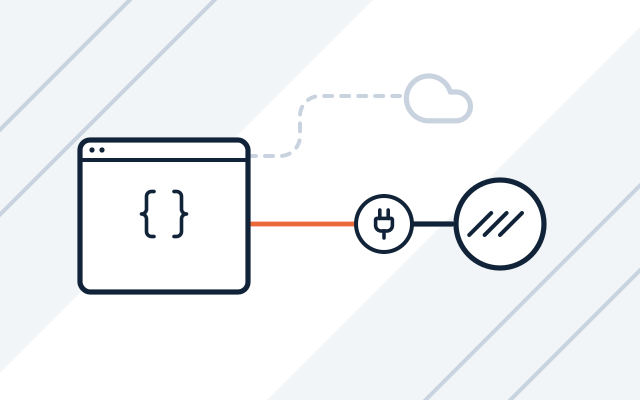
An assistant with the permissions from your systems
The assistant answers from documents in several sources, such as SharePoint, the document management system and network drives. The connector retrieves the documents together with information on who may read them, and the assistant only searches for answers in the ones the employee can access. It retrieves ERP and CRM data, such as an order status, through the API when the question is asked, using an account with limited scope.
- Answers with a link to the source document or record
- Permissions checked in tests before deployment
- New documents added to the index automatically
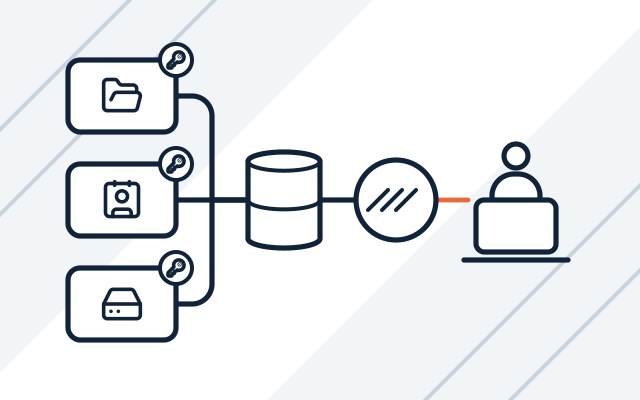
Reading and saving data in ERP, CRM and the helpdesk
We start an integration by checking what data the system exposes and whether it allows saving through the API. ERP and CRM programs differ in the scope of their interfaces and their licence terms, so we tell you about any limits before we quote. Saving is done by a service account that can only perform the operations needed, and every save is logged. When a system has no API, we prepare the result as an import file the system accepts.
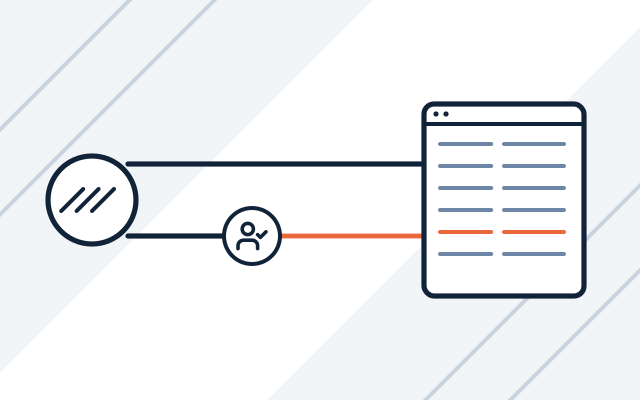
From the server to the application, from one company
Conetso Group provides the hardware, the model, the connectors and maintenance. Applications and software integrations are built by Conetso Software, the software development team of Conetso Group, based in Lublin, Poland. The team builds system integrations using APIs and webhooks, AI features in applications and its own system, Savanna One, for food manufacturers, which can also run on the client's own infrastructure. You order the whole deployment, from the server to the application, from one company.
How we work
-

Systems review
We check which systems your company uses, what data they hold and how to connect to them.
-

Prototype on one system
We connect the model to one system in read-only mode or in a test environment and check the quality of the results.
-

Integration and permissions
We set up service accounts, permissions and logs, and turn on saving to your systems once we have assessed the results.
-

Maintenance
We keep the connections running, update the models and adapt the integration when a system changes its API.
Pricing
Every integration has a different scope, so we give you a price after reviewing the systems and their API documentation.
- Local AI integration with a company system
- Price depends on: number of systems, API availability and documentation, reading or saving data, permissions, testing.
Experience
- Conetso Software builds system integrations using REST APIs and webhooks, including the API of a licensing system that VR applications use when a user logs in.
- For one client, Conetso Software connected contract checking by a language model to the document management system the company already used. That project runs in the cloud, and we start the version with the model on the client's network with a prototype.
- Savanna One, the Conetso Software system for food manufacturers, has an open API for connecting to an ERP system and can also run on the client's own infrastructure.
- Since 2019 we have maintained servers and networks for companies and institutions. Around 1,600 people work on hardware we are responsible for today.
Frequently asked questions
Will local AI connect to our ERP system?
Usually yes, if the system offers an API or data export. We check the scope in the system's documentation before we quote. When the ERP system does not allow saving data through the API, we prepare the automation's output as an import file.
Can the assistant show an employee a document they have no access to?
It should not, and we configure it that way. The connector retrieves documents together with their permissions, and the assistant only searches for answers in the ones the employee can read in the source system. We check that permissions work in tests before deployment.
What is an OpenAI-compatible API?
A way of communicating with a language model that many programs and libraries support. The model server on your network responds in the same format as the cloud service, so an application can usually just be switched to the new address. The data does not go to OpenAI or any other provider.
Who builds the applications and integrations?
Conetso Group deploys the model server, the connectors and the automation workflows. Applications and software integrations are built by Conetso Software, the software development team of Conetso Group, based in Lublin, Poland. You have one contract and one point of support.
Can we start with one system?
Yes, and we recommend it. We run the first connection in read-only mode or in a test environment, measure the results and only then turn on saving or add further systems.
How much does local AI integration with company systems cost?
It depends on the number of systems, their API documentation, whether AI only reads data or also saves it, and the scope of testing. We give you a price after reviewing the systems.
See also
-
Process automation with local AI
Document reading, email, tickets and AI agents on a server on your network, with an employee approving the results. We start with a pilot of one process.
-
Free AI workstation trial at your company
An AI workstation on your network for up to 2 weeks, free of charge and with no obligation to buy. After the trial, a report with the results and a hardware recommendation.
-
Local AI and the GDPR, AI Act and NIS2
What local AI makes easier under the GDPR, the AI Act, KSC and DORA, what it does not solve on its own and how we secure the deployment: permissions, logs, models, updates.
-
AI workstations built on NVIDIA GB10 for your team
Dell Pro Precision with GB10, Lenovo ThinkStation PGX and HP ZGX Nano: 128 GB of memory for the model, delivery, configuration and an assistant for your company documents.
-
GPU servers for local AI
Dell, Lenovo and HPE servers with GPUs for companies where many people use an AI assistant at the same time. Selection, installation, deployment and maintenance.
-
Conetso Software
AI integration in a business application
The Conetso Software team builds assistants, document reading and AI features in applications.
-
Conetso Software
System integration and process automation
The Conetso Software team builds integrations using APIs and webhooks.
From our blog

Language model vs AI chat: how ChatGPT differs
ChatGPT is an application, and the language model is the engine inside it. We explain the difference and which models a company can run in-house.